
Photos · Free
Food Photo Starter
Turn an ordinary phone photo into a cleaner, more appealing image for your menu or social posts—while keeping the dish true to what you serve.
Your phone photo. More possibilities.
Learn to improve food photography with AI, and check the result before you use it.
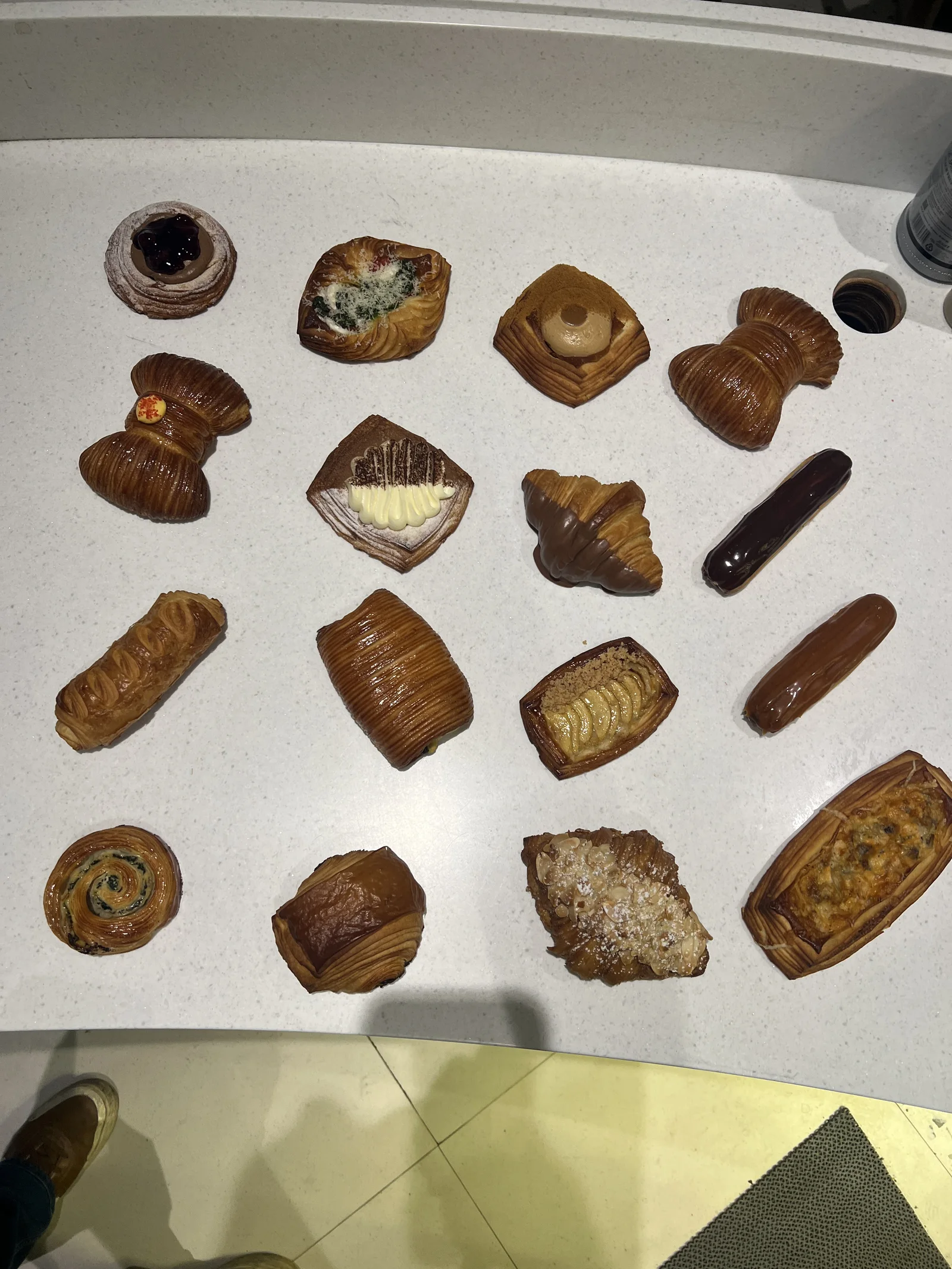
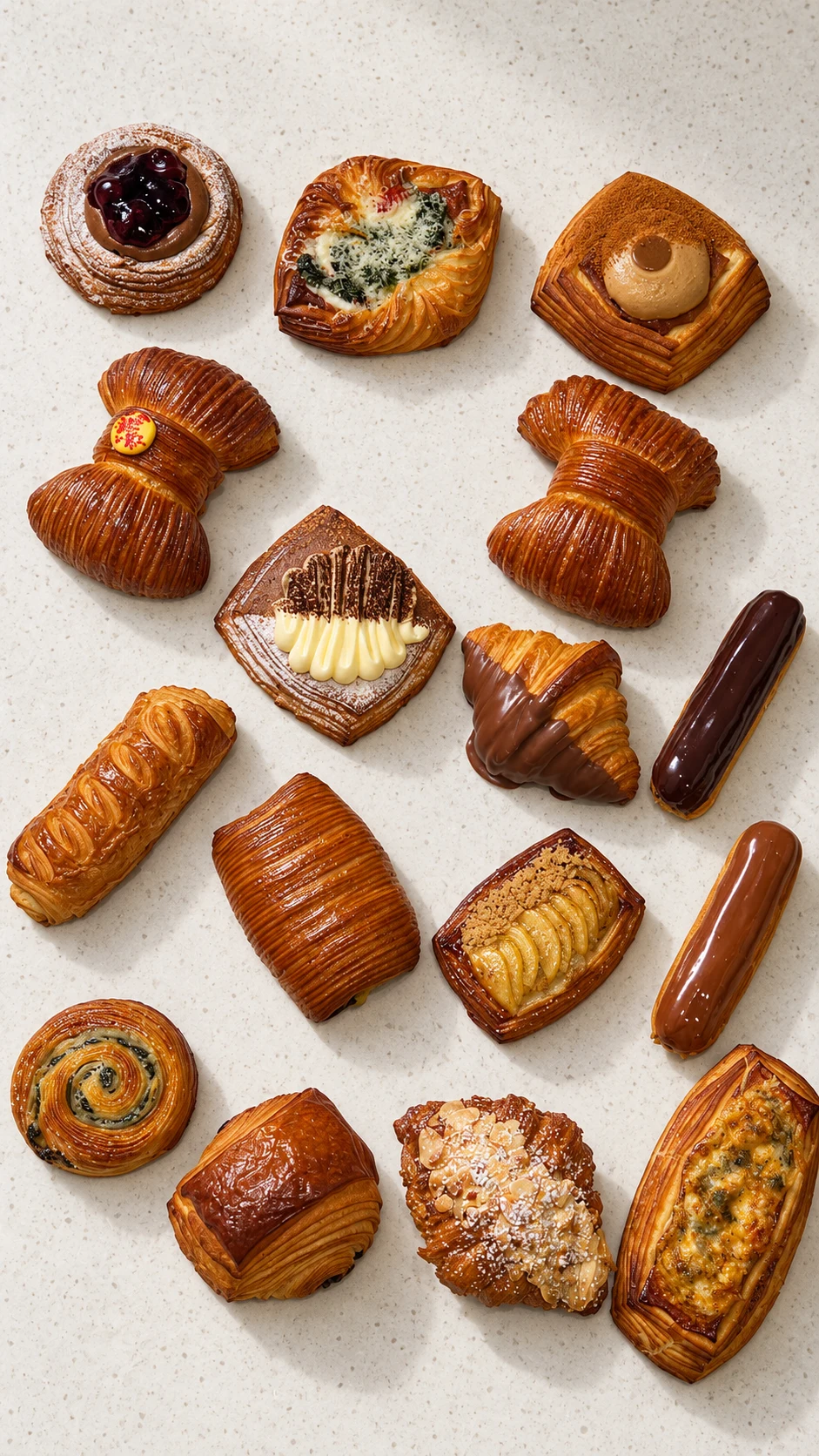
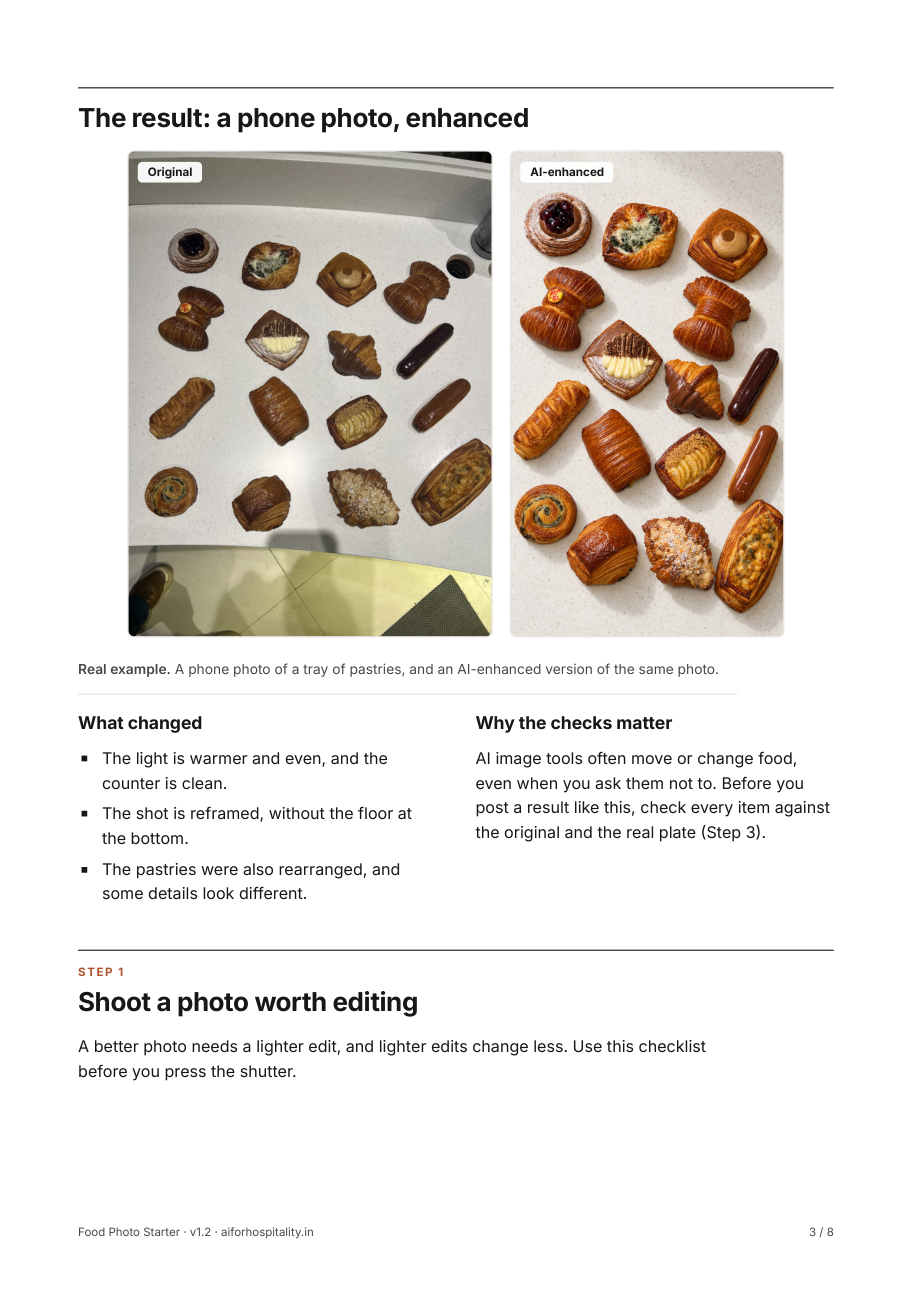
See the change. Check the details.
AI can move or alter details: here the pastries were rearranged and some look different. Check every item against the original before you post.
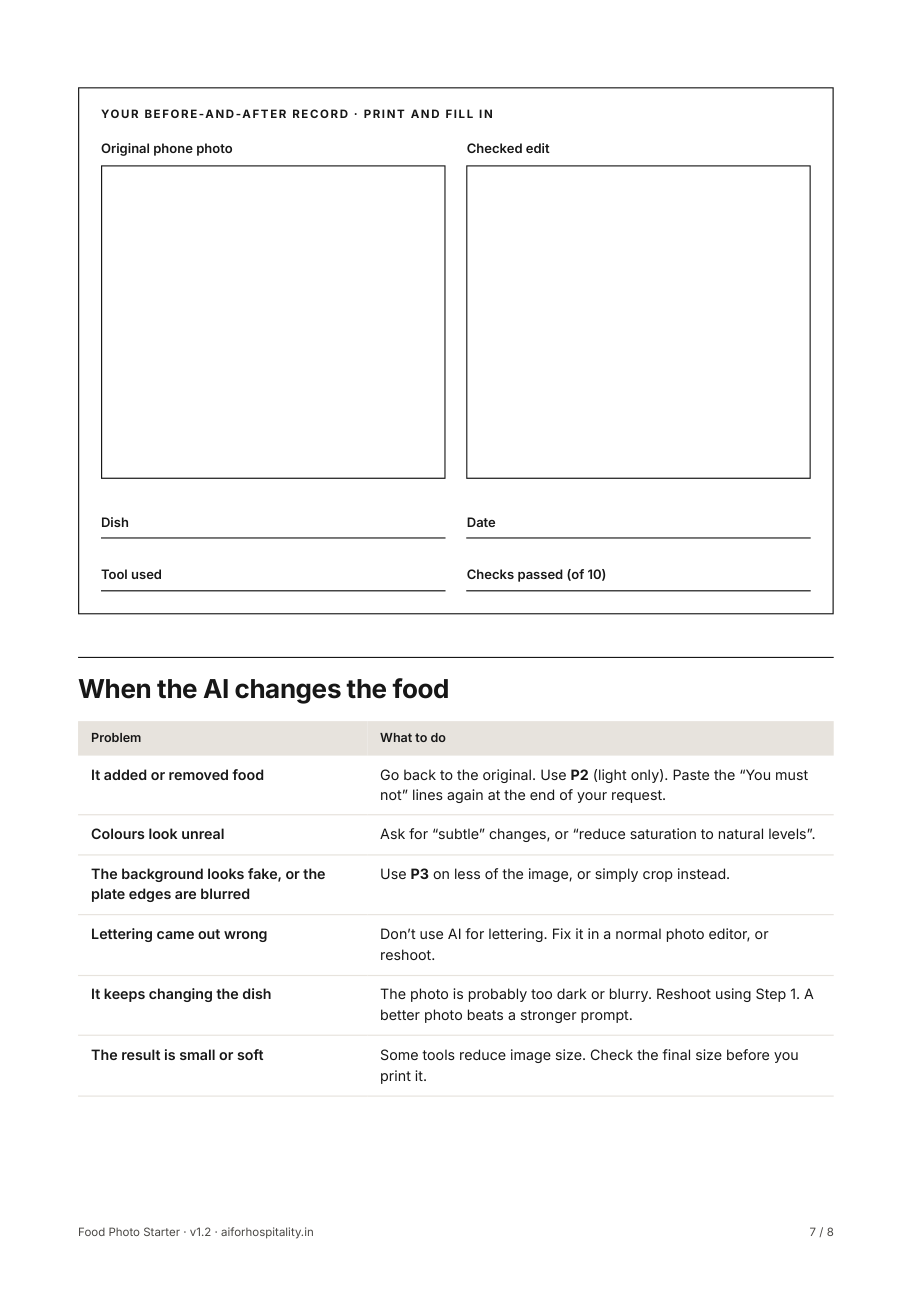
Free resource
Food Photo Starter
Make an ordinary phone photo of a dish you serve look clean and appetising, without changing the food.
What you receive
- PDF guide, 8 pages
- Word worksheet
- Prompts file
Time About 20 minutes for your first photo
Essential check: compare every edit with the real plate. Same ingredients, portion and plate, nothing added or removed.
Get the Food Photo Starter
Free. PDF guide, 8 pages, Word worksheet, Prompts file.
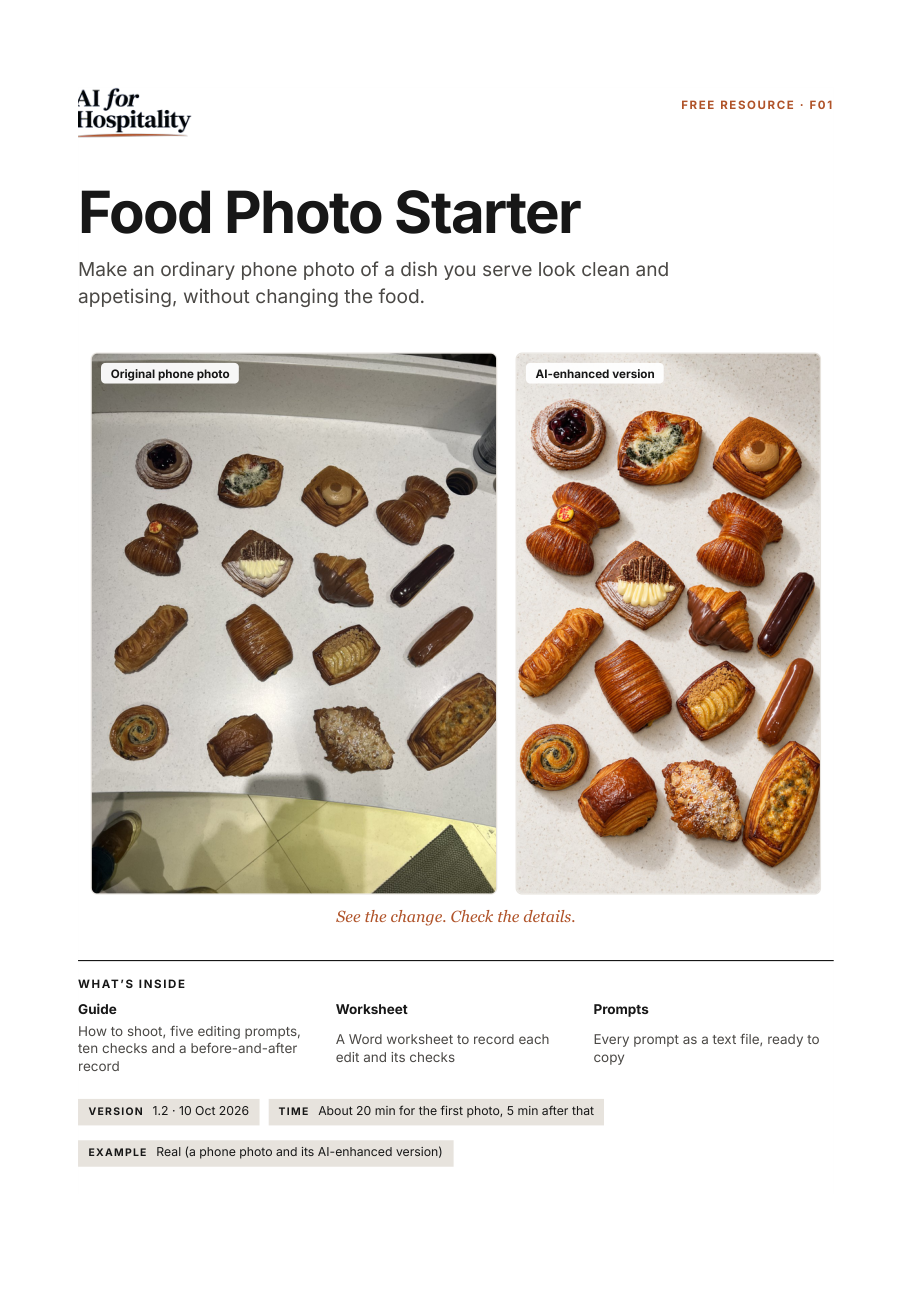
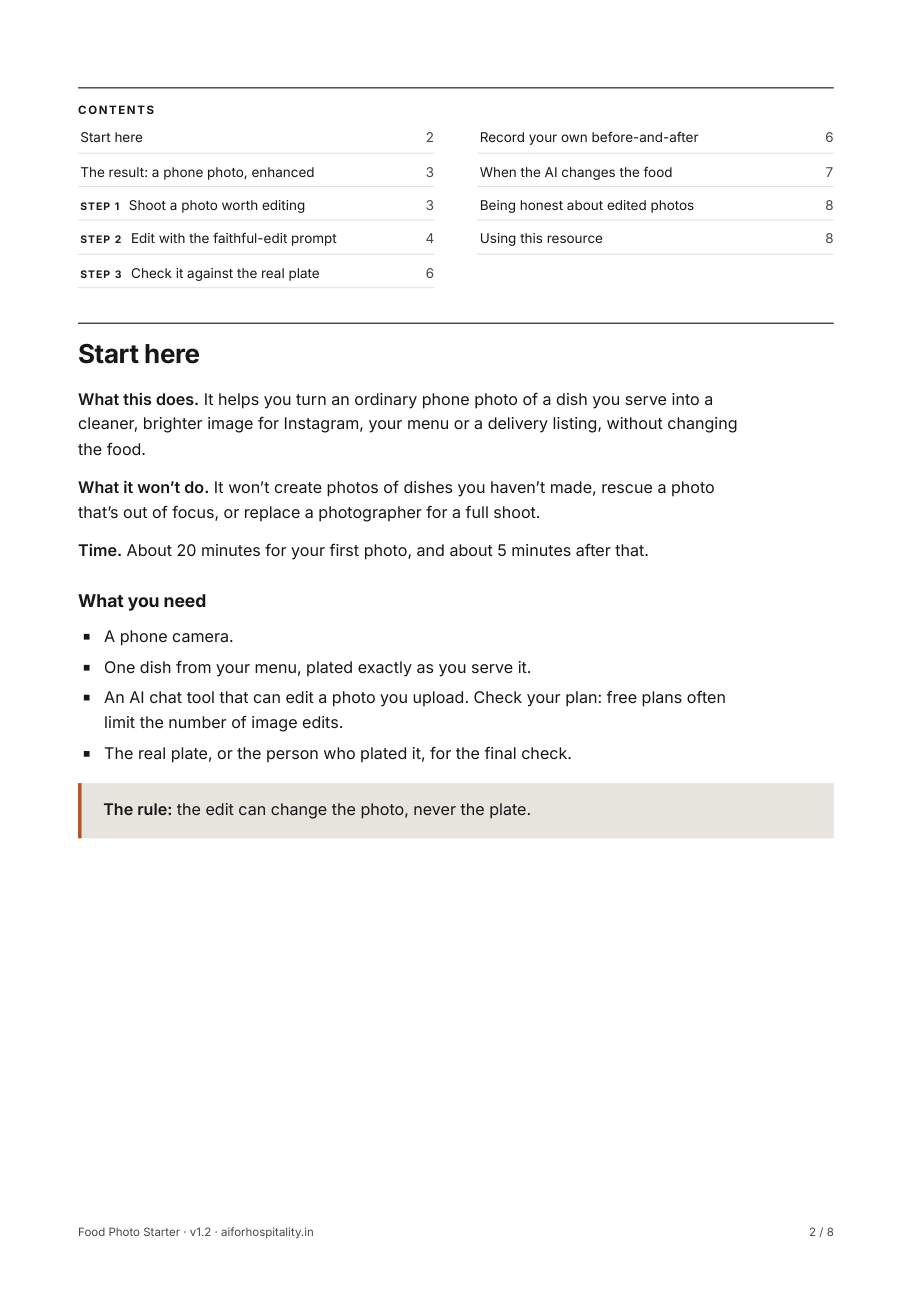
Kit details
You need
- A phone photo of a real dish from your menu
- An AI chat tool that can edit an uploaded photo (free versions may limit how many edits you get)
- The plate itself, or someone who knows it, for the final check
Inside the guide
- Start-here page: what this does and what it won’t do
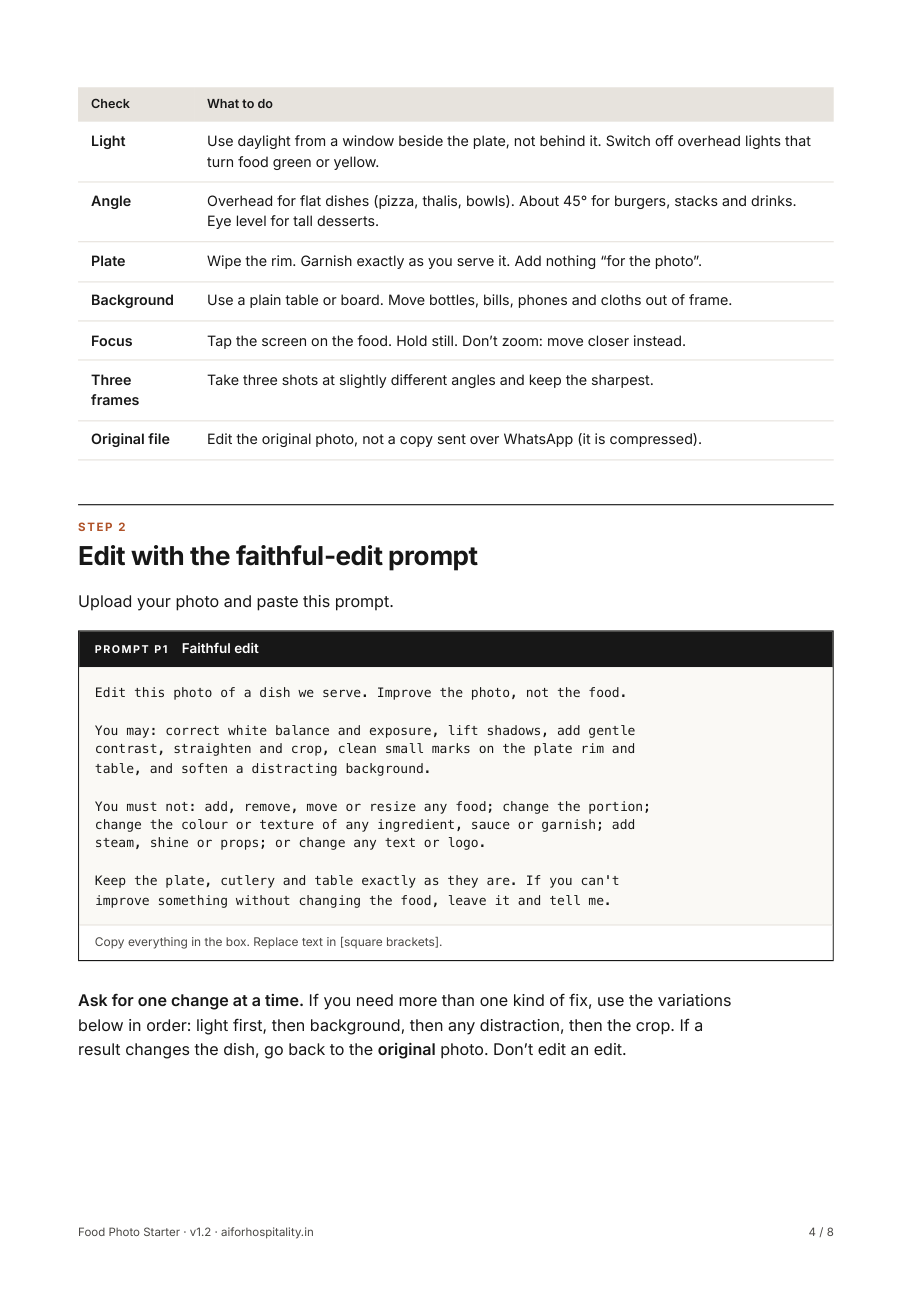
- Input-photo checklist: light, angle, background and focus before you shoot
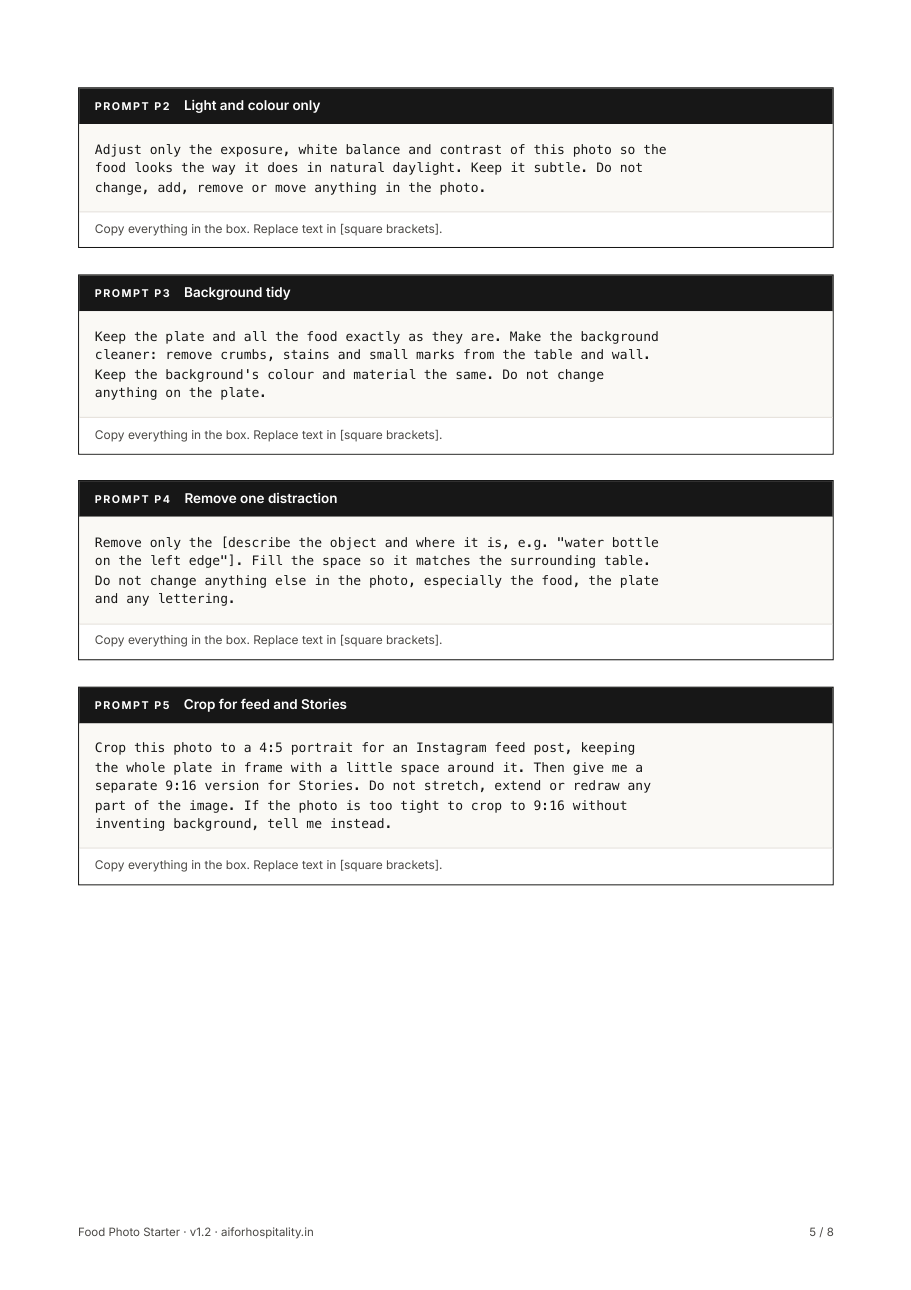
- The faithful-edit prompt, plus four variations: light and colour, background tidy, removing one distraction, cropping for feed and Stories
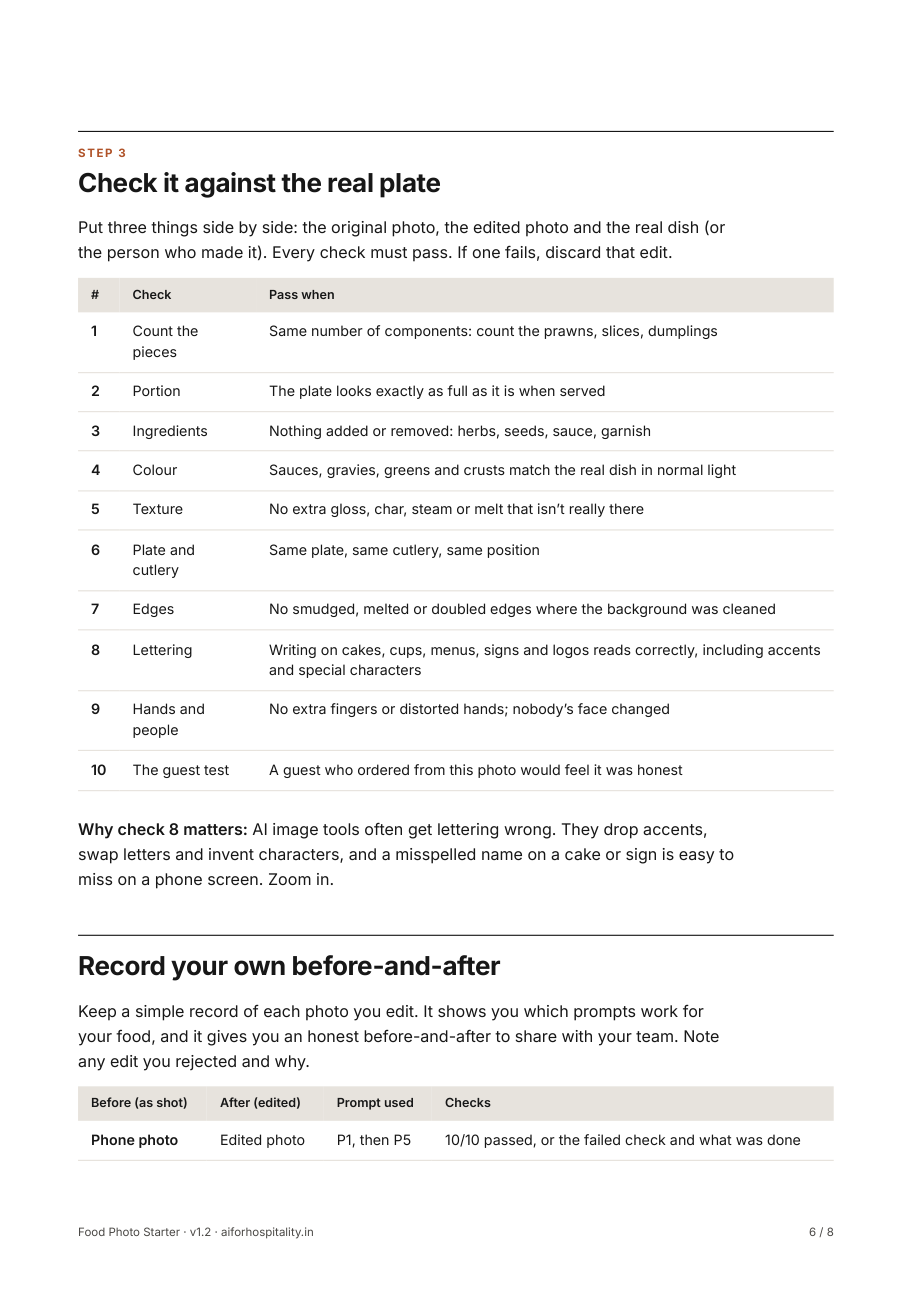
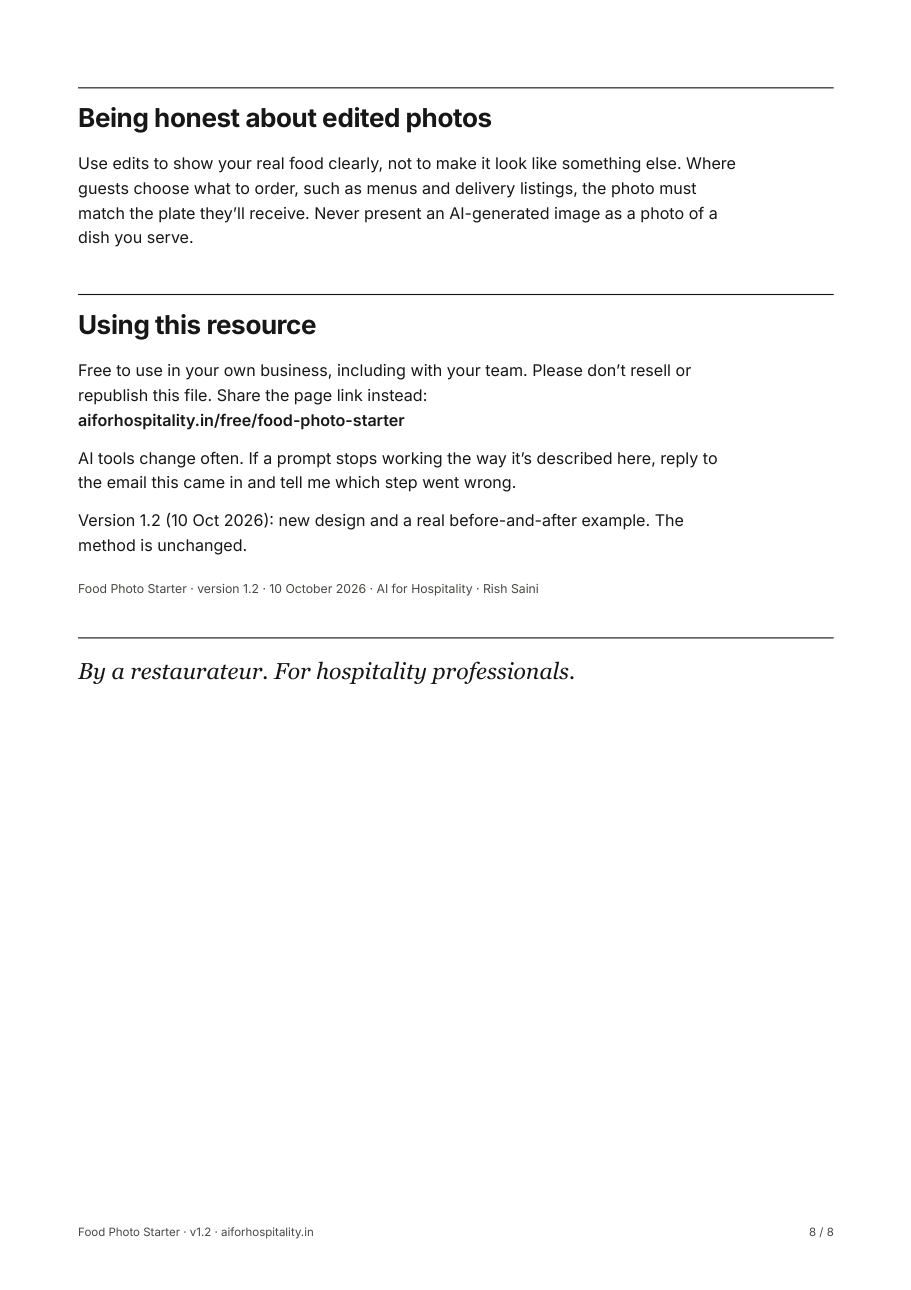
- Fidelity check sheet: ten checks that make sure the dish is still your dish
- What to do when the AI changes the food
How it works, and the checks
- Shoot the dish using the input checklist.
- Paste the faithful-edit prompt with your photo.
- Compare the result with the real plate using the fidelity checks.
- Keep the edit only if every check passes. Otherwise use the fixes in the guide.
Checks before you use it
- Same ingredients, same count. Nothing added, nothing removed
- Same portion size and plate
- Sauces and garnish keep their real colour
Questions
Which AI tool do I need?
An AI chat tool that can edit an uploaded photo. Free versions may limit how many edits you get.
How do I use the files?
Unzip the download and start with the PDF guide: it takes you through every step. The prompts file has each prompt ready to copy. The Word file is the editable worksheet or template, and it also opens in Google Docs.
Can I share it with my team?
Yes, use it freely in your own business. Please don’t resell or republish the files; share this page’s link instead.
The download didn’t start, or the email hasn’t arrived
Use the download button on this page after you enter your email. If the email isn’t in your inbox after a few minutes, check spam or promotions, or email rish@aiforhospitality.in and we’ll send the files.
Next
Write about the dish in your venue’s voice next
Brand Voice Starter: Give AI your venue’s facts and voice before asking it to write, so captions and replies sound like you.